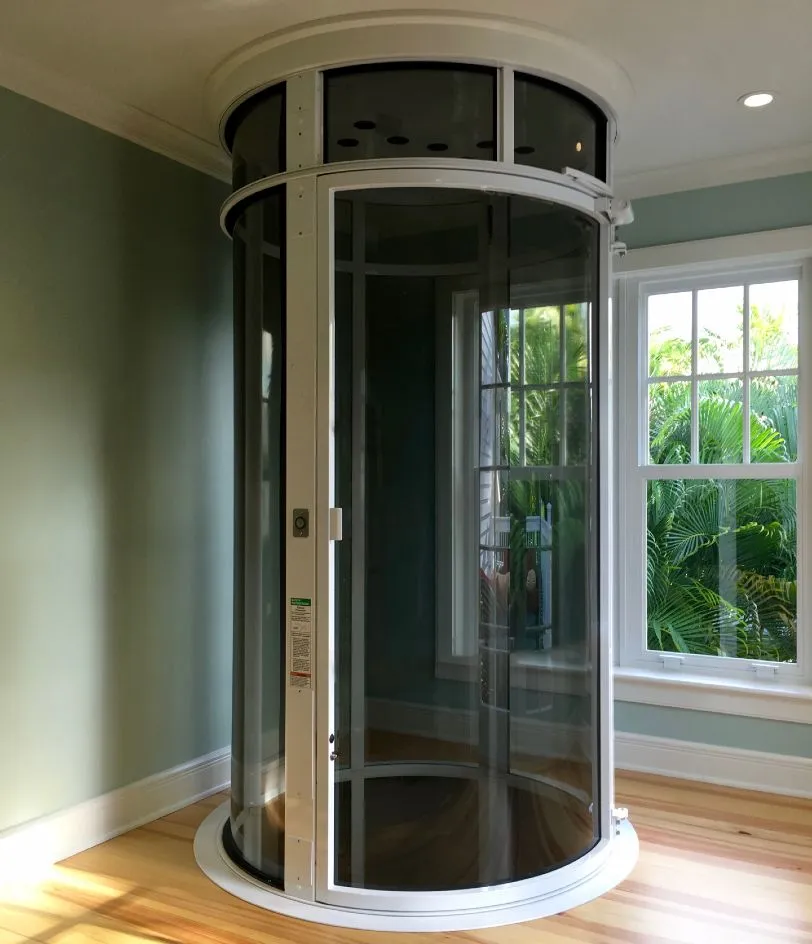
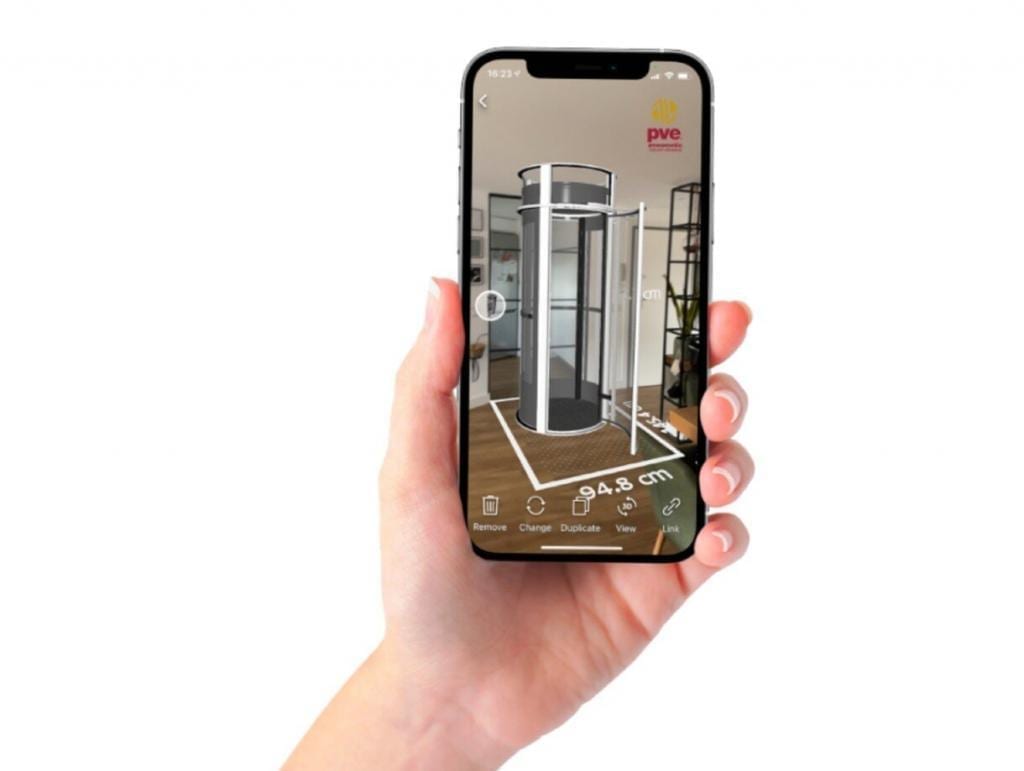
Looking to install a residential elevator in 2021? Not sure how a residential elevator will look aesthetically inside your residence? In the market for an attractive, easy-to-install home elevator that’s also a space saving solution? Thankfully, Pneumatic Vacuum Elevators is now offering a FREE 3-D Augmented Reality Application that allows you to experience a Vacuum Elevator inside the comforts of your home.
Showcase a 3D Version of A Vacuum Elevator
Anywhere Inside Your Home!
PVE is pleased to share our latest Marketing Tool for the Vacuum Elevator:
By downloading a FREE App on Your Smartphone or Tablet, Homeowners can now place their desired Vacuum Elevator inside a home in seconds!
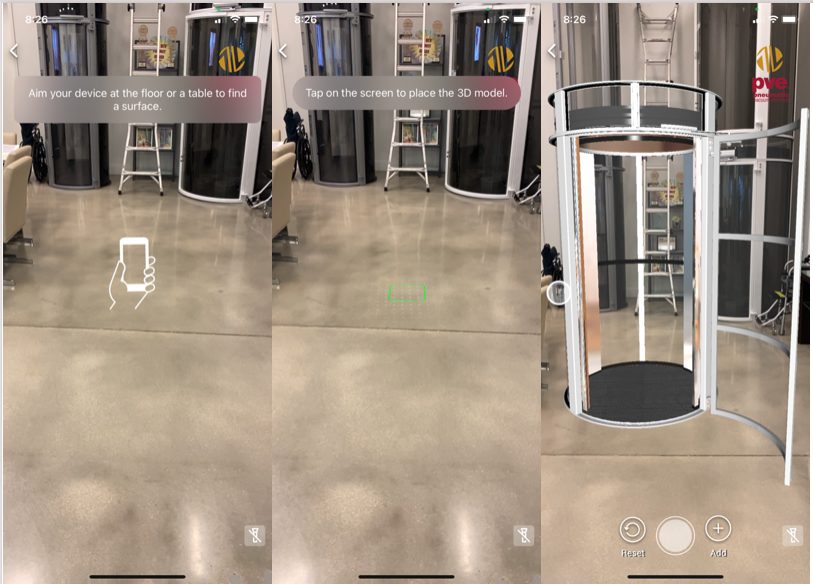
Easy-to-Use and Available to Download for FREE on Apple Store + Google Play.

Application to Download:
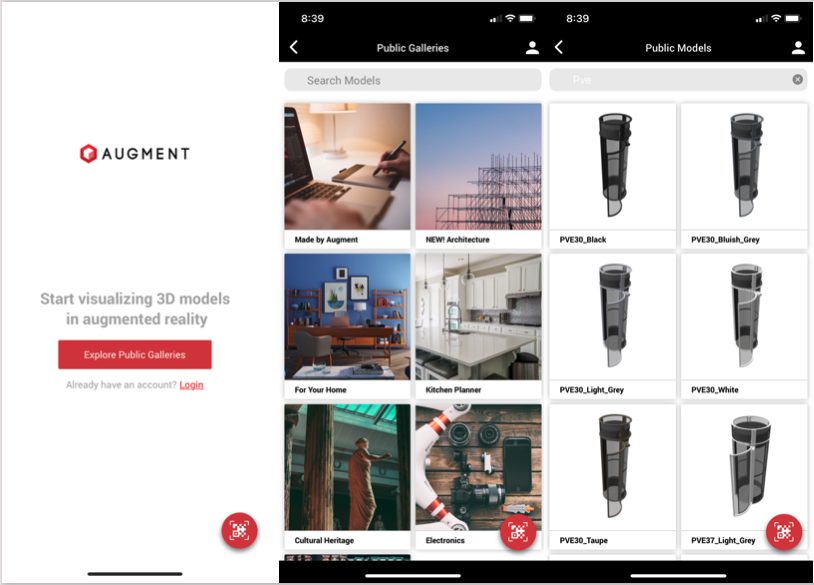
How To Access a 3D Vacuum Elevator?
Follow these Easy Steps!
Download and install the 3D Augment Reality App on your Smart Phone or Tablet from:
Apple Store
https://itunes.apple.com/us/app/augment-3d-augmented-reality/id506463171?mt=8
–or–
Google Play
https://play.google.com/store/apps/details?id=com.ar.augment&hl=en2.
Open the app and click in “Explore Public Galleries”
Take a picture of the 3-D Elevator inside your home.

| Color | PVE30 Scan QR | PVE37 Scan QR | PVE52 Scan QR |
| White Blanco |  |  |  |
| Bluish Gray G. Azulado |  |  |  |
| Black Negro |  |  |  |
| Taupe Bronce |  |  |  |
| Light Gray Gris Perla |  |  |
Access 3D Vacuum Elevator via QR Code
For immediate access to our 3D Vacuum Elevator, Scan and/or Download the QR codes below for all 3 models and 5 color options available on the application.
Scanning a QR Code will be required to access the 3D models for any Android or Samsung device.
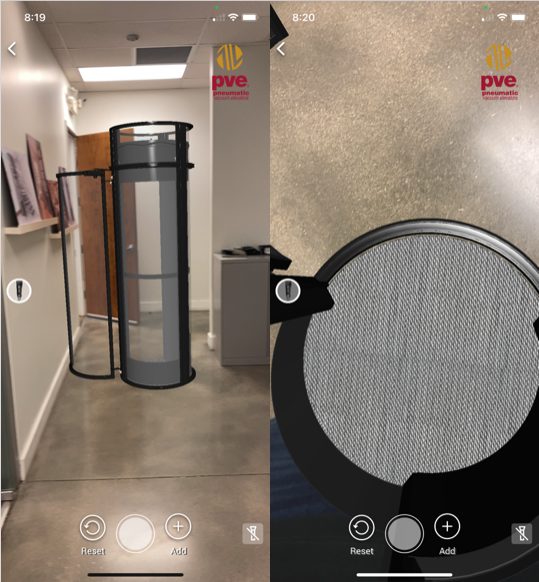
Move the PVE Door Position in Any Direction.Walk Around the Elevator for 360° Degree View Inside the Home. Step Inside the Elevator to experience the Cabin of the Elevator!
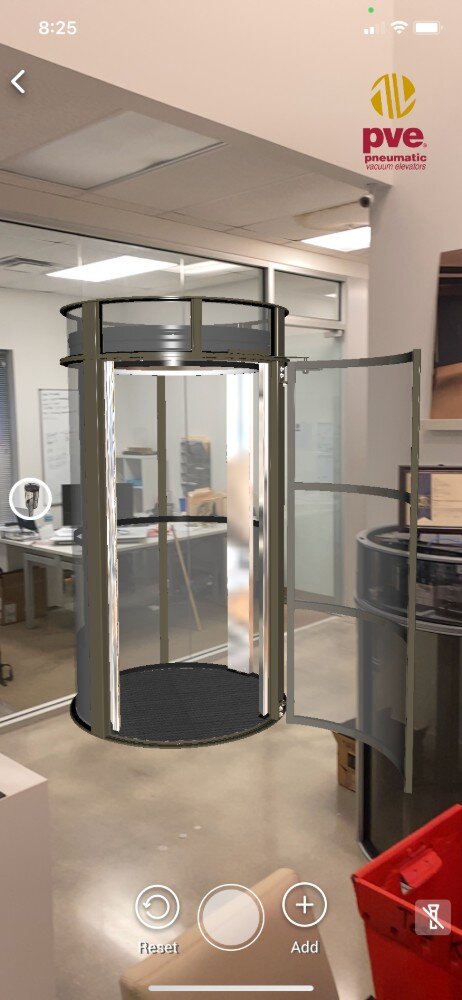
Contact PVE by visiting the link below to learn more about accessing our Augmented Reality Application.